CASE STUDY
CSM
Open-source session manager for AI coding agents
The Real Problem
I use Claude Code, Codex and Gemini CLI every day, often with more than one account. The worst moment is hitting a usage limit halfway through a task. To keep going, I had to log out, sign in somewhere else, lose the conversation and explain the whole task again from the start.
The Approach
I wanted every agent and every account on one machine, side by side. When a limit hits, the work should carry on somewhere else instead of stopping.
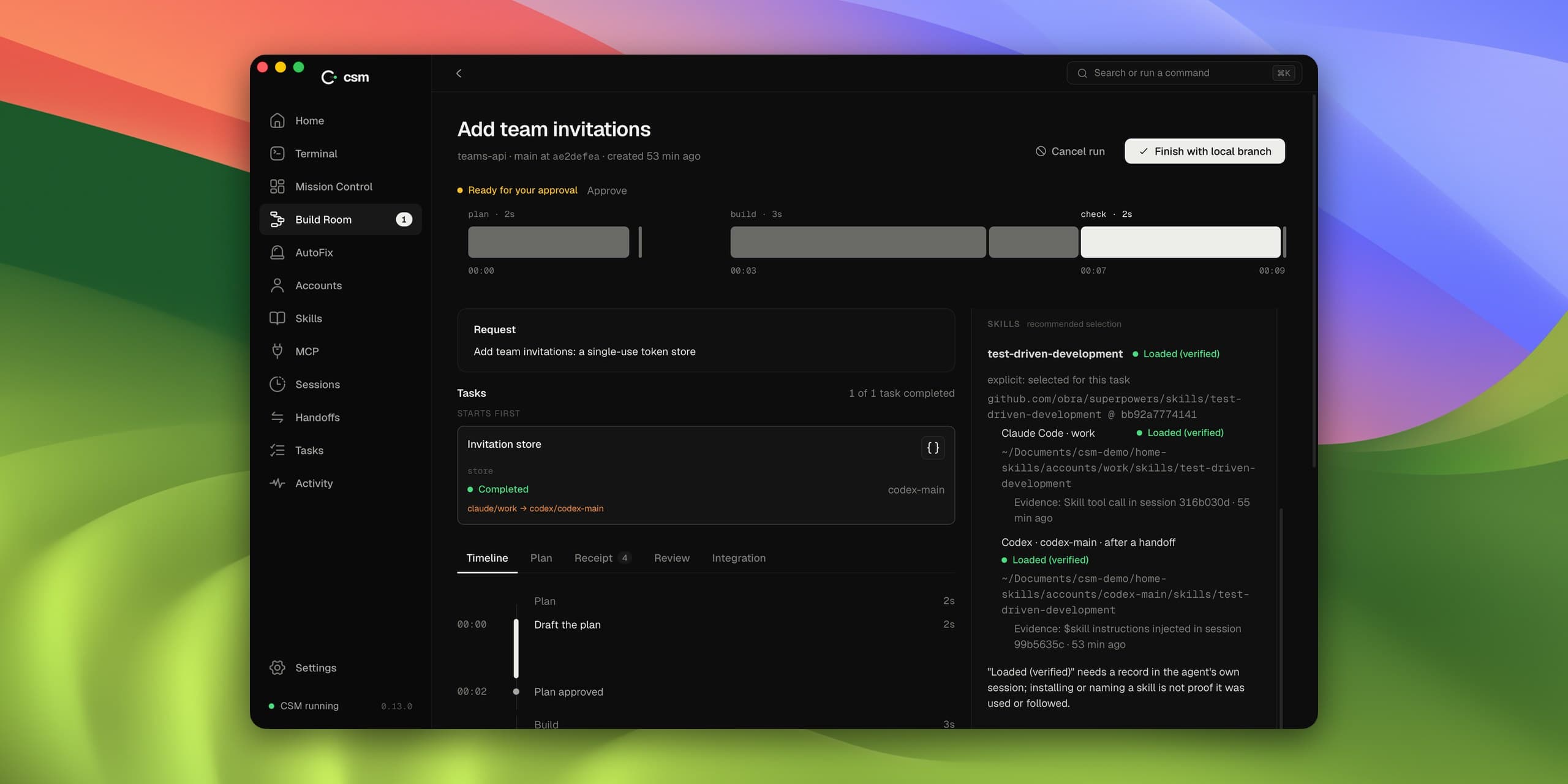
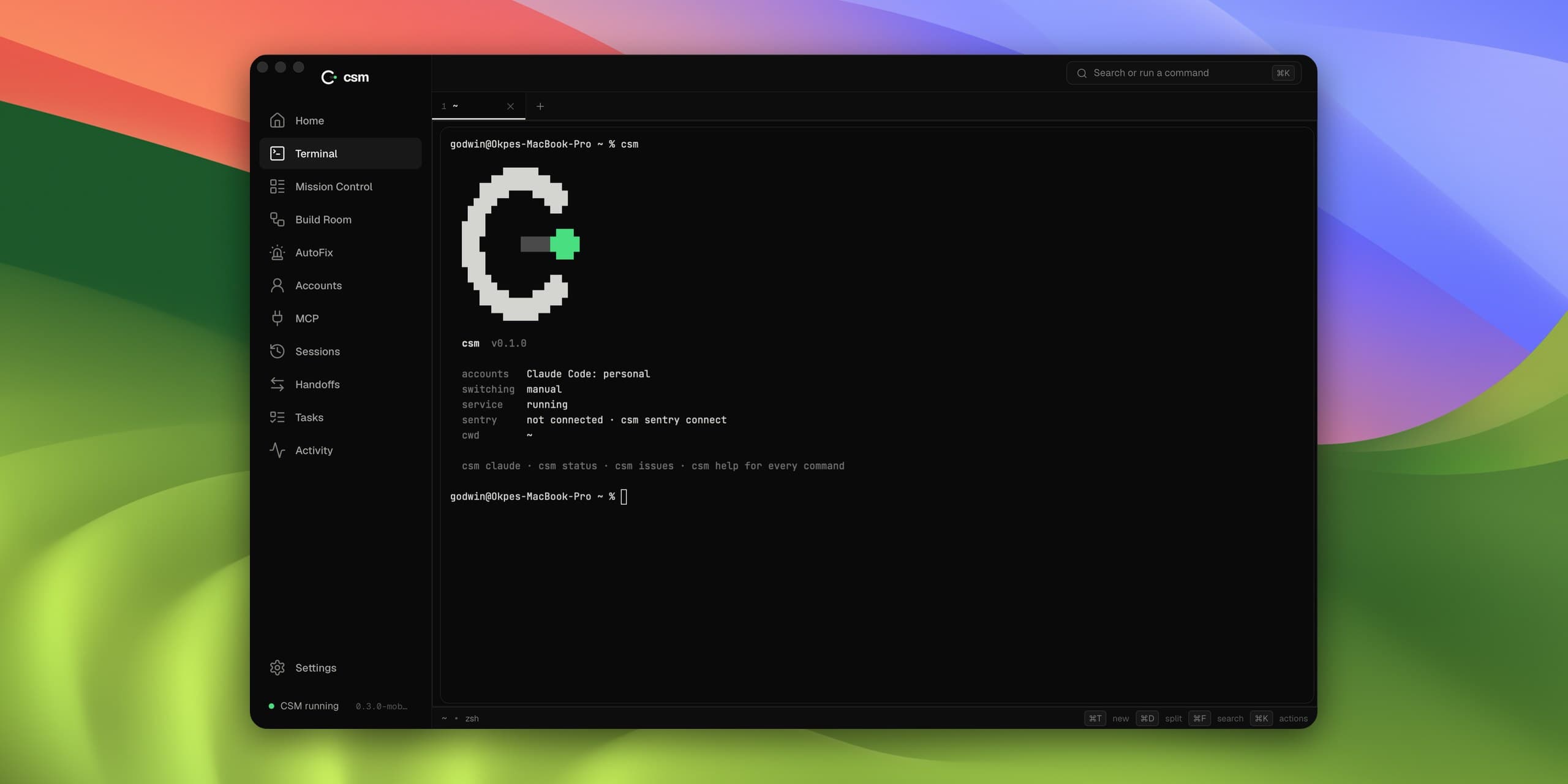
CSM gives each account its own space, so you can switch without logging out. When one account runs out, CSM moves your session to the next one and the conversation comes with it. If you would rather switch agents, say from Claude to Codex, it writes a short handover covering where the task stands, which files changed and what comes next, so the new agent can pick it up. The desktop app puts it all in one window: every running session, a built-in terminal, Build Room for bigger changes and AutoFix for production errors.
What I Built
- A command-line tool that keeps each account separate and moves a live session between them
- Automatic switching: when an account hits its limit, CSM moves to the next one in your order
- Handovers between agents that carry the task, the files and the next steps, with secrets removed before anything is saved
- A desktop app that shows every session in one place, with a terminal built in
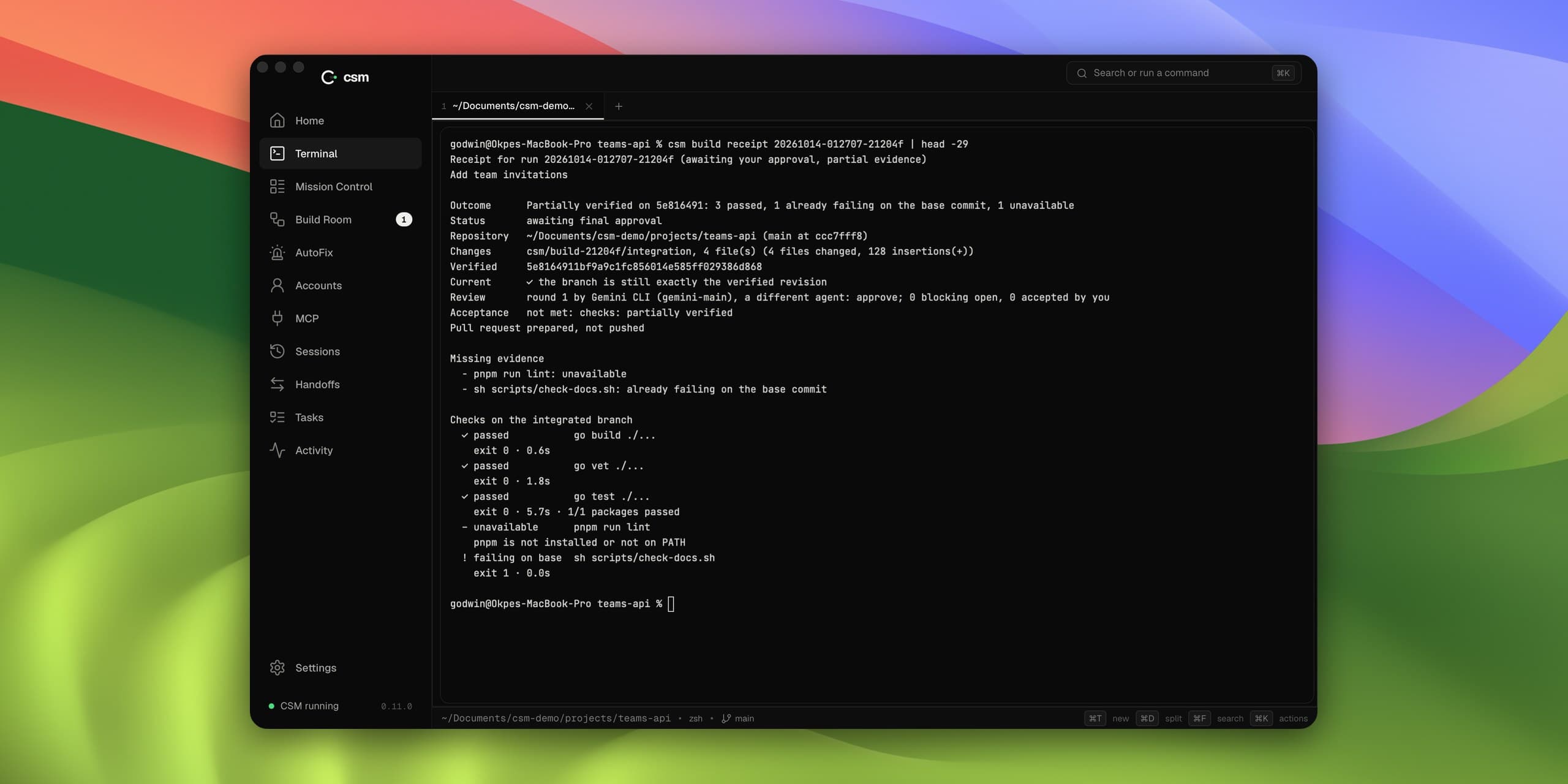
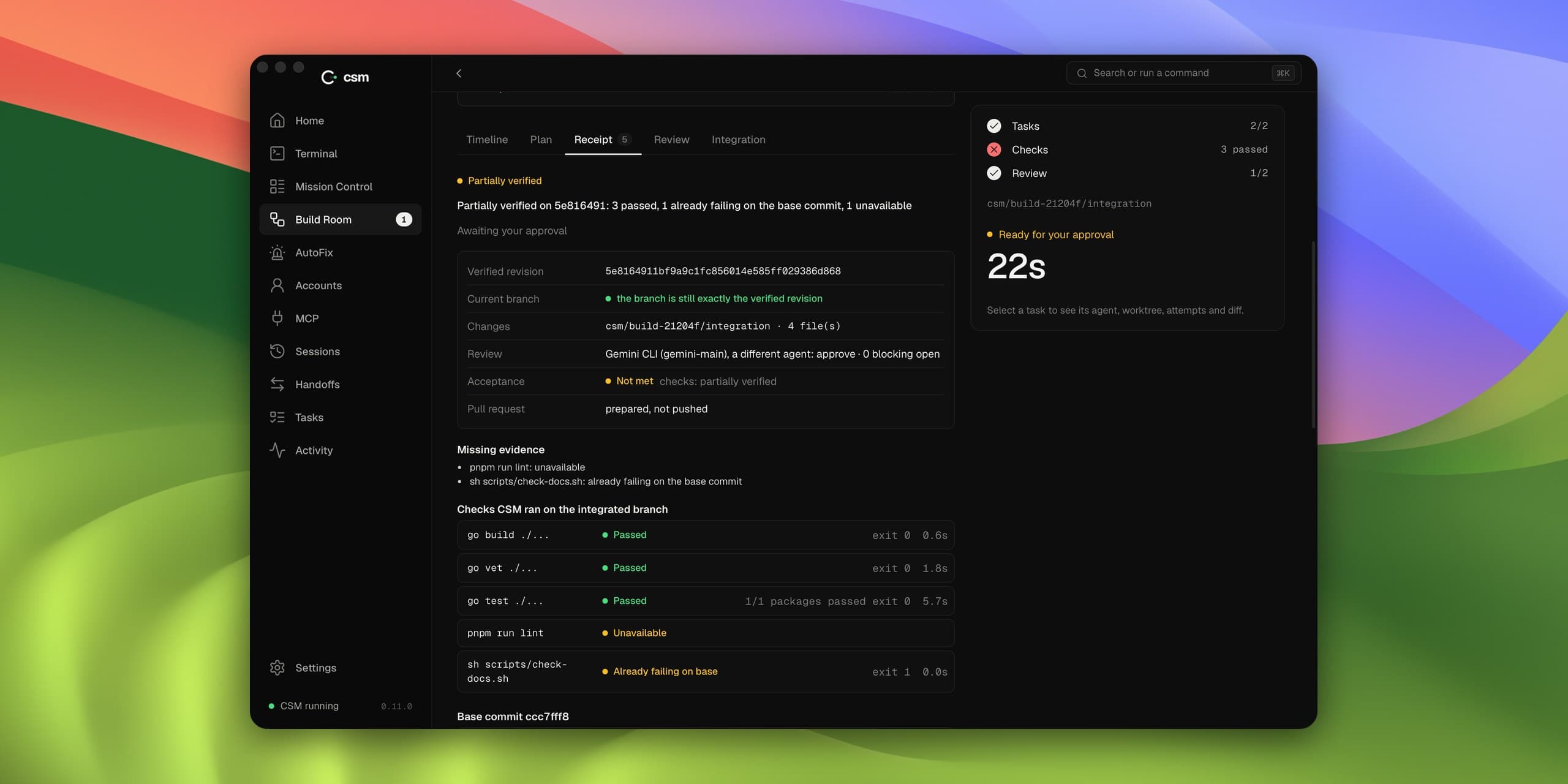
- Build Room, where agents work on a planned change side by side and the result is checked and reviewed before it lands
What Changed
- Hitting a limit no longer means starting over. You just keep working.
- It is open source under the MIT license, and both the CLI and the desktop app are on GitHub
- CSM never reads or stores your login tokens. Each agent keeps its own.
- Every change is tested on macOS and Linux
- Cursor CLI is now supported too, along with a shared library of Agent Skills for every agent and account